Every broadband connection is identified by an IP address, the number that lets data find its way to and from your home. On most home packages that address is dynamic, meaning your provider can change it from time to time. A static IP address, by contrast, stays the same. For the great majority of households a dynamic address is completely fine, and you never need to think about it.
The difference only starts to matter if you run something at home that other people or systems need to reach reliably at the same address, such as a server, certain remote-access setups, or specific business tools. This guide explains what each type of address is, what they are good for, who genuinely benefits from a static IP, and the trade-offs involved, so you can decide whether it is worth requesting.
Availability of static addresses and how dynamic addresses are managed vary between providers and packages, so confirm the current options with your provider if you think you need one.
What is the difference between static and dynamic?
A dynamic IP address is assigned to your connection by your provider and can change, for example after a router restart or periodically as part of normal network management. You rarely notice, because the services you use start their connections from your side and do not care what your current address is. A static IP address is fixed and reserved for your connection, so it remains constant over time.
Think of it like the difference between a postal address that occasionally changes and one that never does. For receiving things you have requested, a changing address is no problem. For people trying to find you at a known location, a fixed address is far simpler.
What is each type good for?
Dynamic addressing suits ordinary home use: browsing, streaming, gaming, video calls, online shopping and everything else where your devices reach out to services. It is the default because it works seamlessly for these tasks and lets providers manage their address pool efficiently. Most people will never need anything else.
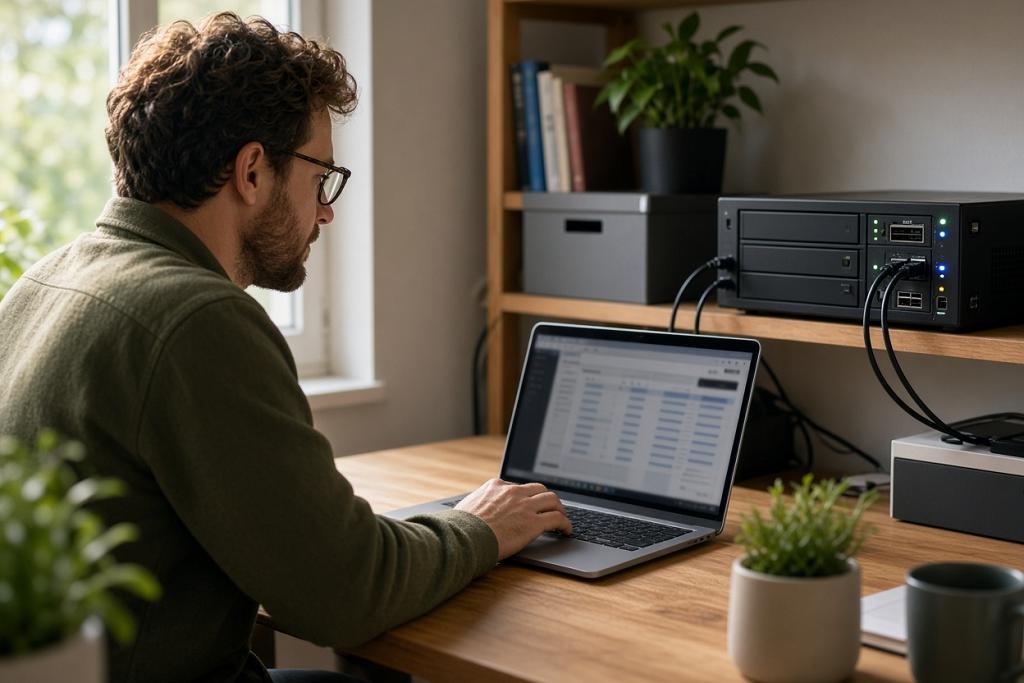
A static address is useful when something must be reachable at a consistent address. Examples include hosting a website or game server from home, running a virtual private network endpoint you connect back to, certain remote monitoring or security camera systems that prefer a fixed address, and some business applications that allow access only from a known, unchanging address.
| Use case | Dynamic IP | Static IP |
|---|---|---|
| Everyday browsing and streaming | Ideal | Unnecessary |
| Online gaming as a player | Fine | Not needed |
| Hosting a server at home | Workable with extra tools | Simpler and more reliable |
| Remote access to home systems | Often needs a workaround | Straightforward |
| Business tools requiring a known address | Problematic | Designed for this |
The table shows that the gap only opens up for hosting and remote-access scenarios. For consumption, dynamic addressing is not a compromise at all.
Is there a middle ground without a static IP?
Yes. A popular alternative is dynamic DNS, a service that maps a memorable name to your current address and updates automatically whenever the address changes. This gives you a consistent way to reach your home even though the underlying address is still dynamic, and it covers many remote-access needs without paying for a static IP.
It is also worth remembering that some home connections sit behind shared addressing, where multiple customers share one public address. In that situation inbound access can be blocked regardless of whether your address is static, so the relevant question may be whether you can get a non-shared public address at all, not just whether it is fixed.
Who actually needs a static IP at home?
Honestly, most households do not. The people who benefit are those running services that others connect to, hobbyists hosting servers, people who need dependable remote access to equipment at home, and small operators using business software that checks for a known address. If none of that applies, a dynamic address with optional dynamic DNS will serve you well.
If you are unsure, the practical test is whether anything you do requires the outside world to find your home at a consistent point. If the answer is no, you do not need a static IP. If the answer is yes, ask your provider what is available and weigh up the cost.
Frequently asked questions
Is a static IP faster than a dynamic one?
No. The type of address has no effect on speed. It only changes whether your address stays the same over time, which matters for being reachable, not for performance.
Will a dynamic IP cause problems for gaming?
Generally no. Playing online games works fine on a dynamic address. Only hosting your own server or specific direct-connection needs may prefer a fixed address.
What is dynamic DNS?
It is a service that links a fixed, memorable name to your current IP address and updates automatically when the address changes, giving you a consistent way to reach your home without a static IP.
How do I get a static IP?
Ask your provider whether a static IP is available on your package. It is often offered as a paid add-on, and not every package supports it, so confirm the current options and any conditions.
Bringing it together
Most home broadband uses a dynamic IP address, which is perfect for the browsing, streaming and gaming that fill everyday life. A static address only earns its keep when you need the outside world to reach your home at a constant point, such as hosting a server or reliable remote access. For many of those needs, dynamic DNS is a free or low-cost middle ground, so check what you actually require before paying for a static IP.